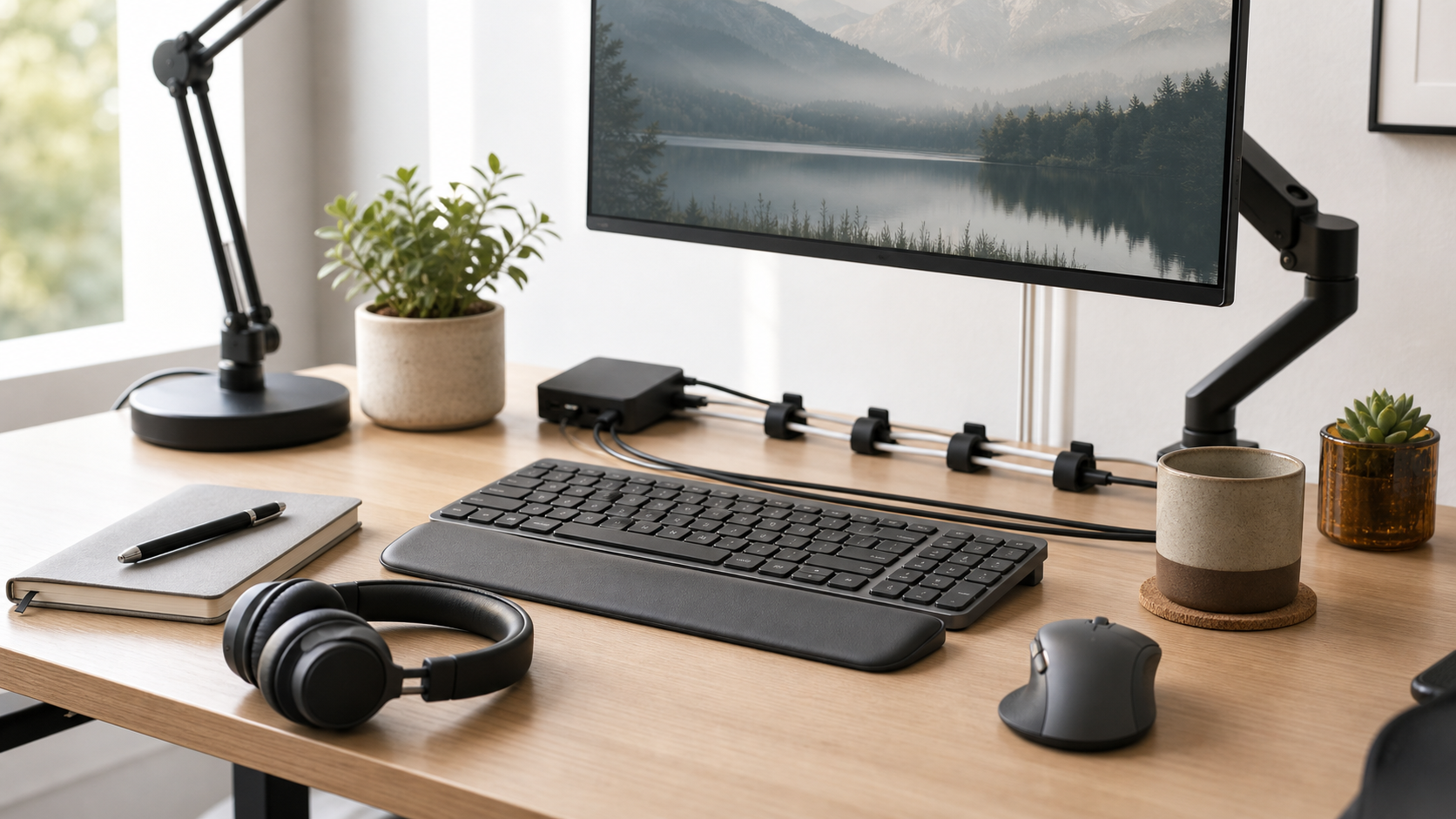
Lighting is one of the least glamorous parts of a home office, but it affects video calls, eye comfort, desk readability, and the way a workspace feels late in the day.
MediaSoar evaluates everyday technology from a reader-first perspective. The goal is to explain practical tradeoffs, not to push a checkout, promise a specific result, or replace a reader’s own review of current product details.
Start with the room before buying gear
A lighting upgrade works best when it solves a specific room problem. A dark room may need broad ambient light before it needs a desk lamp. A bright window behind the monitor may need a different desk position before it needs a stronger camera light.
Before comparing lamps, look at the direction of natural light, whether the monitor reflects windows, and where shadows fall when you sit in your normal call position. A five-minute check can prevent buying the wrong accessory.
- Place the desk so the brightest window is beside you or in front of you, not directly behind you.
- Check whether your face is evenly lit during a video call preview.
- Look for glare on the monitor from the chair you actually use.
- Test the room in the morning, afternoon, and evening if your schedule varies.
Choose light temperature for the work being done
Many lamps advertise color temperature, but the right choice depends on context. Warmer light can feel calmer in the evening, while neutral light often works better for reading documents, checking colors, or appearing natural on video.
A lamp with adjustable temperature is useful if the same desk handles calls, writing, and after-hours reading. Fixed-temperature lamps can still work well if the room has a stable use case.
The useful question is not whether a light is premium, but whether it makes the workspace easier to use at the exact times you work there.
Separate video-call lighting from desk lighting
A call light is aimed at your face. A desk light is aimed at the work surface. Trying to use one small lamp for both jobs often creates glare, uneven shadows, or a washed-out video image.
For frequent calls, a soft light placed near the monitor can be more effective than a very bright bulb across the room. For reading and writing, a desk lamp should illuminate the surface without shining directly into your eyes.
- For calls, prioritize soft and even light.
- For reading, prioritize a stable beam and easy positioning.
- For small desks, prioritize clamp mounts or compact bases.
- For shared rooms, prioritize dimming and quick adjustment.
Avoid overbuying
A simple lamp, a changed desk angle, and a better window position may solve most lighting problems. Large panels and complex mounting arms are useful only when the desk is used for frequent calls, recording, product photos, or other visual work.
If the lighting issue appears only in one meeting app, check camera exposure settings before replacing hardware. Some webcams also change exposure after a few seconds, so preview the call long enough to see the actual result.
A practical pre-purchase checklist
- The light improves the actual desk position, not an idealized setup.
- The lamp can be adjusted without blocking the monitor or camera.
- Brightness and color temperature fit both daytime and evening work.
- There is a clear return or warranty policy if the light does not fit the room.
- The setup does not create new cable clutter or glare.
Bottom line: the best choice is usually the one that fits your existing habits, has clear export or setup options, and remains simple enough to maintain after the first week.