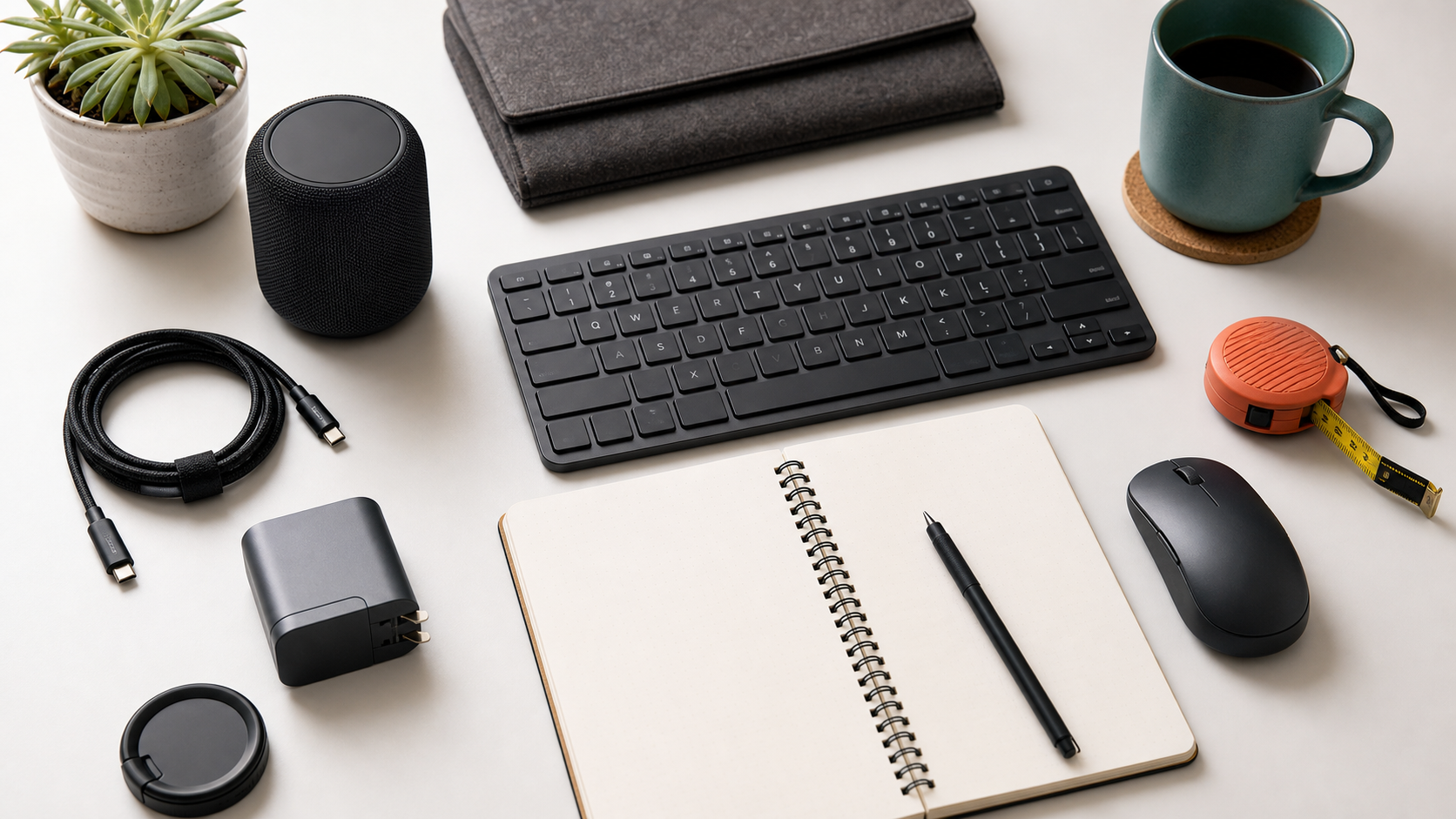
Input devices shape every workday, so comfort, reliability, and layout matter more than novelty features.
MediaSoar writes for readers who want useful technology decisions without pressure, exaggerated promises, or confusing jargon. This guide focuses on practical signals you can verify before buying, subscribing, or changing your workflow.
Start with layout and feel
A keyboard should match the shortcuts and typing habits you already use. Compact layouts save space but may hide keys you reach for constantly.
Mouse shape is personal. Weight, grip style, button placement, and scroll behavior can matter more than sensor specifications for office work.
Wireless is convenient, not automatic
Modern wireless devices can be excellent, but battery life, charging cable type, Bluetooth stability, and multi-device switching should be checked before purchase.
For fixed desks, a wired device can still be the most reliable option. The right choice depends on how often you move, switch computers, or travel.
Avoid feature overload
RGB lighting, macro layers, and app profiles can be useful for some users, but they also add software and maintenance. If you do not need them, simpler hardware may age better.
The best review question is not what the device can do in theory; it is whether it makes the first hour and the fifth hour of work feel easier.
A quick decision checklist
- Choose a layout that supports your shortcuts.
- Check battery and charging details.
- Test mouse shape if possible.
- Avoid required software unless it solves a real problem.
Bottom line: for reviews decisions, the strongest choice is usually the one that fits your daily constraints, works with the tools you already use, and remains easy to maintain after the first week.