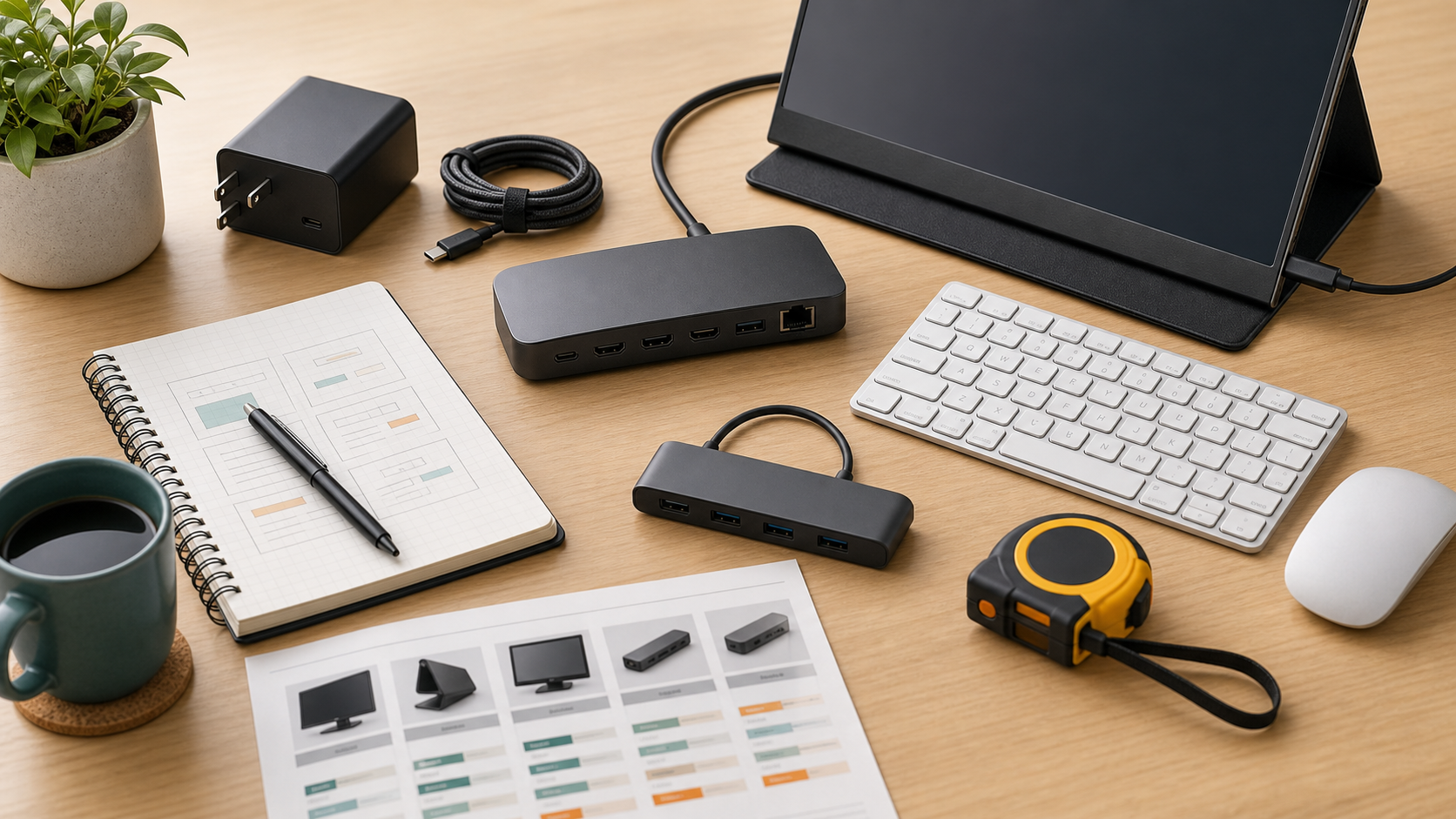
A portable monitor can help hybrid workers, but portability should be balanced with power, brightness, stand quality, and cable simplicity.
MediaSoar writes for readers who want useful technology decisions without pressure, exaggerated promises, or confusing jargon. This guide focuses on practical signals you can verify before buying, subscribing, or changing your workflow.
Match the use case
A portable monitor for spreadsheets has different needs than one for presentations, coding, or travel writing. Size and resolution should match the task.
Brightness matters if you work near windows, airports, or shared spaces. A dim screen can be frustrating even when the specifications look good.
Check stand and cable design
Many portable monitors are limited by weak covers or awkward stands. A stable angle can be more important than a small difference in weight.
One-cable USB-C setups are convenient, but they depend on laptop port support. Some monitors need separate power under higher brightness.
Consider durability
Travel gear gets packed, bumped, and plugged in often. Look for protective cases, sturdy ports, and clear warranty terms.
If the monitor rarely leaves the desk, a standard external monitor may be better value.
A quick decision checklist
- Choose size and resolution by task.
- Check brightness for travel spaces.
- Confirm one-cable support.
- Review stand stability and protection.
Bottom line: for buying guides decisions, the strongest choice is usually the one that fits your daily constraints, works with the tools you already use, and remains easy to maintain after the first week.