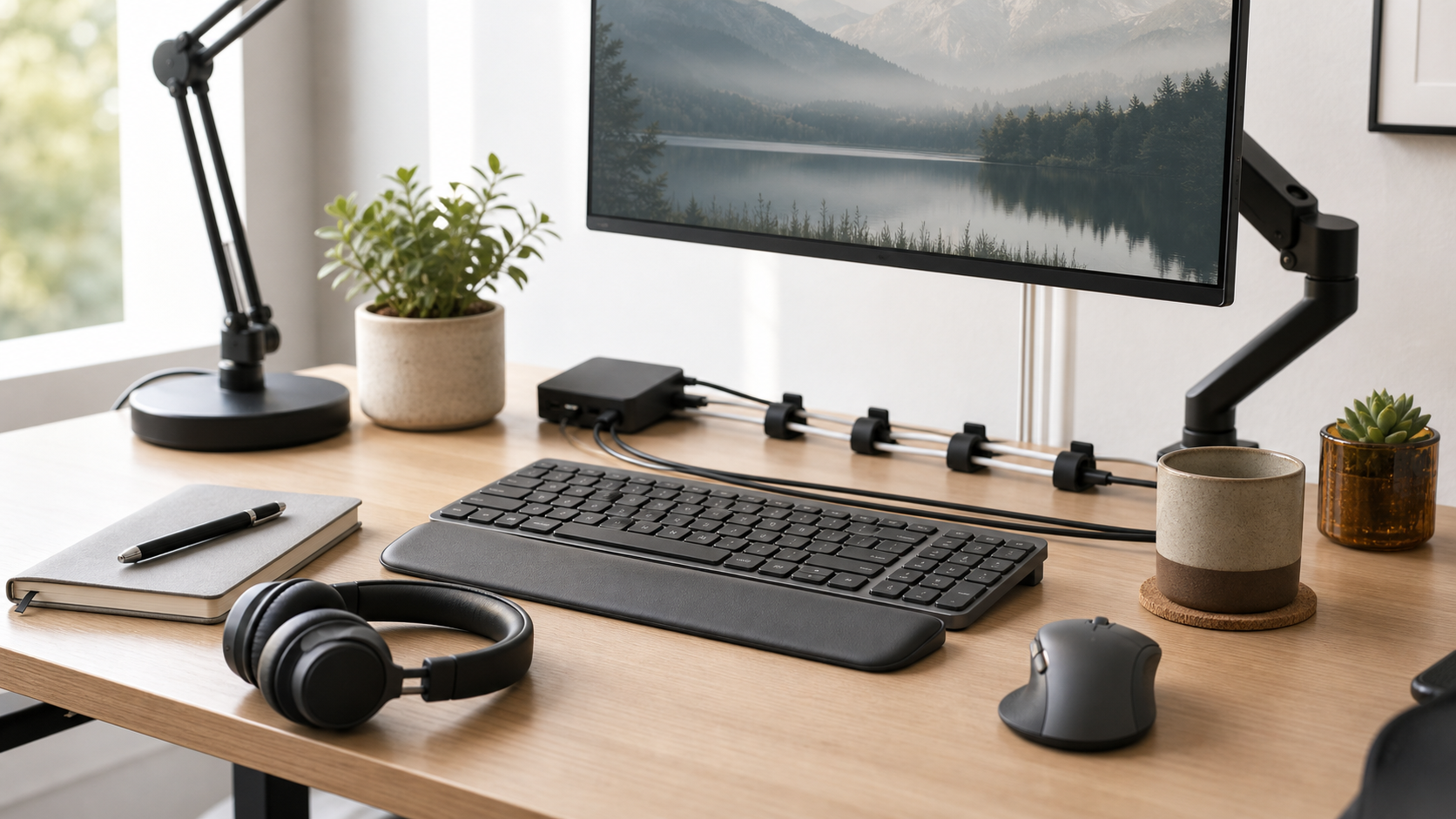
Cable management should make a desk easier to use and clean, not create a complicated project that is hard to change.
MediaSoar writes for readers who want useful technology decisions without pressure, exaggerated promises, or confusing jargon. This guide focuses on practical signals you can verify before buying, subscribing, or changing your workflow.
Map the devices
List the devices that need power, data, video, or charging. Then note which cables move daily and which stay fixed.
Permanent cables can be routed more tightly. Daily-use cables should remain accessible so the setup does not become frustrating.
Use simple anchors
Velcro ties, cable clips, a tray, and labels solve most desk cable problems. Expensive kits are rarely necessary for a small workstation.
Avoid routing cables so tightly that devices cannot move for cleaning or troubleshooting. A little slack prevents strain on ports.
Plan for future changes
A clean desk that cannot be adjusted is not finished; it is fragile. Leave room for a new charger, camera, or storage drive.
Labeling both ends of hidden cables makes future changes easier and reduces the temptation to tear everything apart.
A quick decision checklist
- Separate fixed cables from daily-use cables.
- Use reusable ties before permanent mounts.
- Leave safe slack near ports.
- Label hidden cables.
Bottom line: for home office decisions, the strongest choice is usually the one that fits your daily constraints, works with the tools you already use, and remains easy to maintain after the first week.