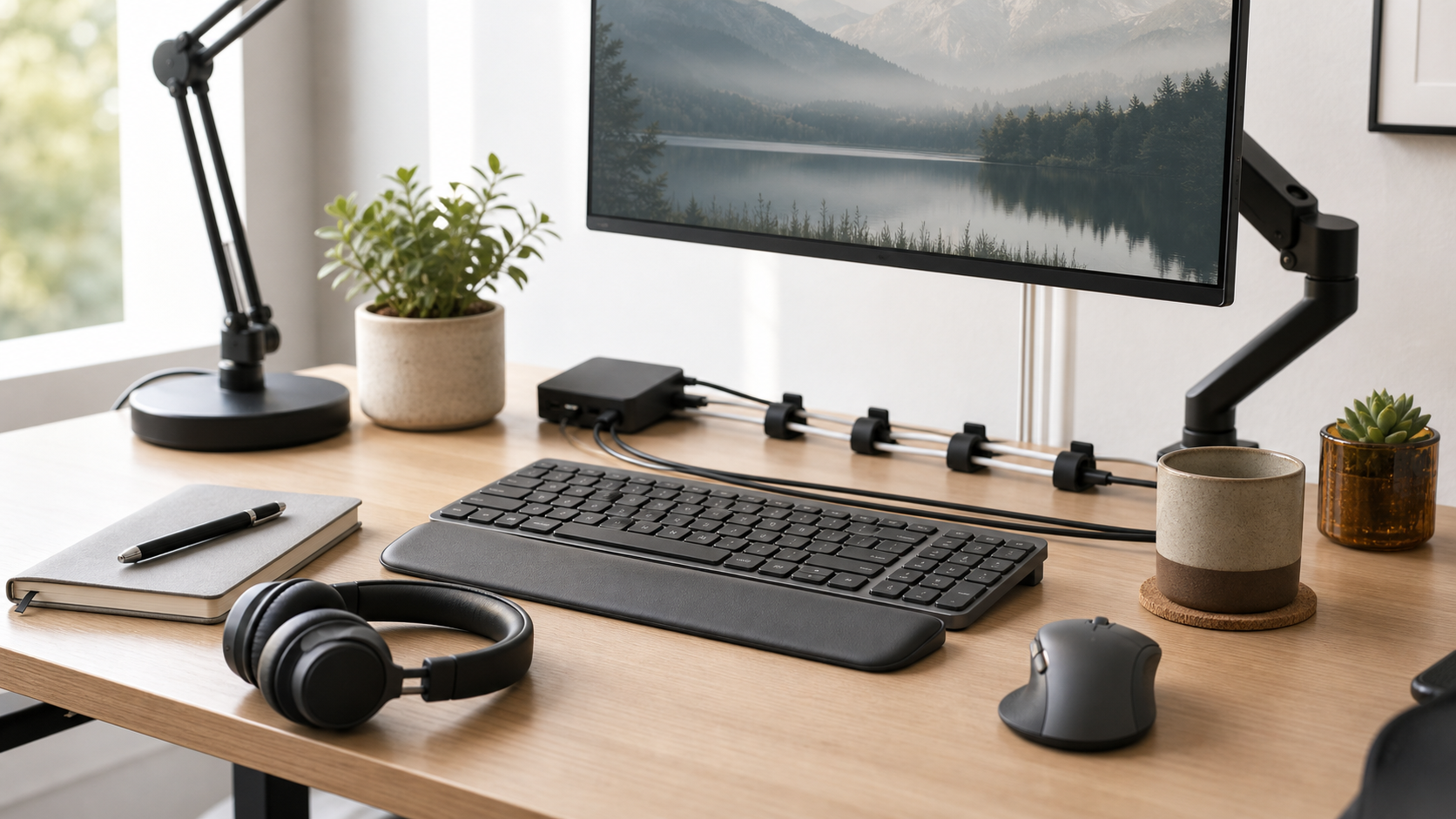
A low-distraction desk is not empty; it is arranged so the next task is easy to start.
MediaSoar writes for readers who want useful technology decisions without pressure, exaggerated promises, or confusing jargon. This guide focuses on practical signals you can verify before buying, subscribing, or changing your workflow.
Define the default state
Decide what should be on the desk at the start of a normal workday. For many people that means keyboard, mouse, notebook, water, headphones, and one task list.
Everything else needs a nearby home. Storage that is too far away becomes a pile; storage that is visible and simple is more likely to be used.
Use zones
A desk can have a writing zone, device zone, charging zone, and temporary review zone. Zones reduce the feeling that every object is competing for attention.
Cable routing, trays, and small stands are useful when they make the zones obvious. They are less useful when they become another set of objects to manage.
Keep personality, remove friction
A professional desk does not need to look sterile. A plant, photograph, or small object can make the space feel grounded.
The test is whether the item interrupts work. If something is moved every day to make space, it may belong somewhere else.
A quick decision checklist
- Define the default desk state.
- Create zones for writing, devices, and charging.
- Keep useful personal objects.
- Remove items that must be moved every day.
Bottom line: for home office decisions, the strongest choice is usually the one that fits your daily constraints, works with the tools you already use, and remains easy to maintain after the first week.