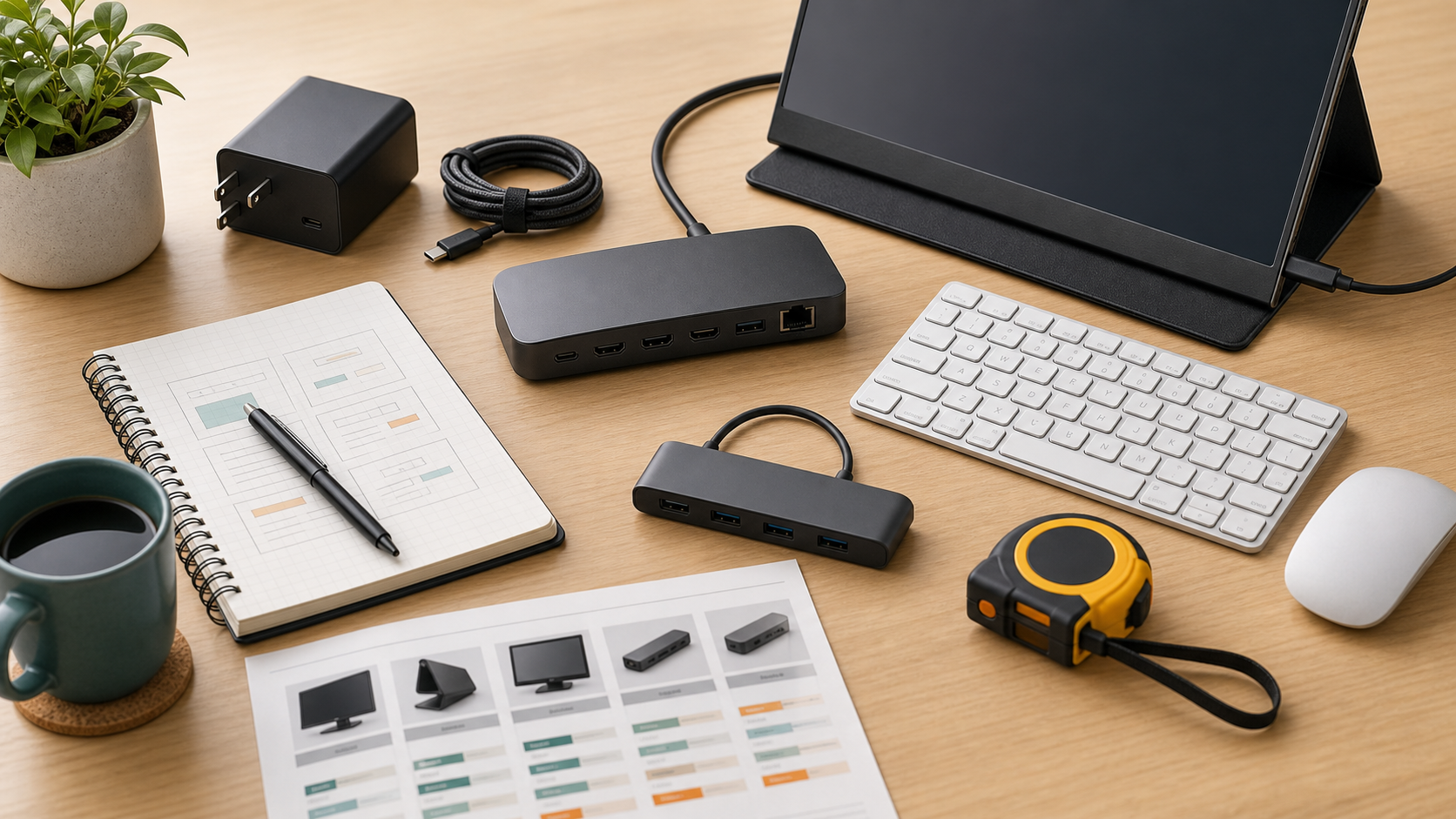
A good USB-C charger should match power needs, cable quality, safety certifications, and the number of devices you actually charge.
MediaSoar writes for readers who want useful technology decisions without pressure, exaggerated promises, or confusing jargon. This guide focuses on practical signals you can verify before buying, subscribing, or changing your workflow.
Start with wattage needs
A phone and earbuds may need far less power than a laptop. Check the wattage recommended by the laptop maker before relying on a compact charger.
Multi-port chargers split power across devices, and the advertised maximum may apply only when one port is used. Read the power distribution chart carefully.
Cables matter
A high-wattage charger cannot perform well with an under-rated cable. Look for cables that clearly state charging capacity and data speed if you need both.
For travel, shorter cables reduce clutter. For a desk, longer cables may be more useful if they are safely routed and not stretched.
Safety is not optional
Choose reputable brands, clear certifications, and chargers with documented protections. Very cheap chargers can create reliability and safety concerns.
Avoid buying solely on size or wattage. A charger is connected to expensive devices and often used unattended.
A quick decision checklist
- Check manufacturer wattage recommendations.
- Read multi-port power distribution.
- Use properly rated cables.
- Prioritize reputable safety documentation.
Bottom line: for buying guides decisions, the strongest choice is usually the one that fits your daily constraints, works with the tools you already use, and remains easy to maintain after the first week.